
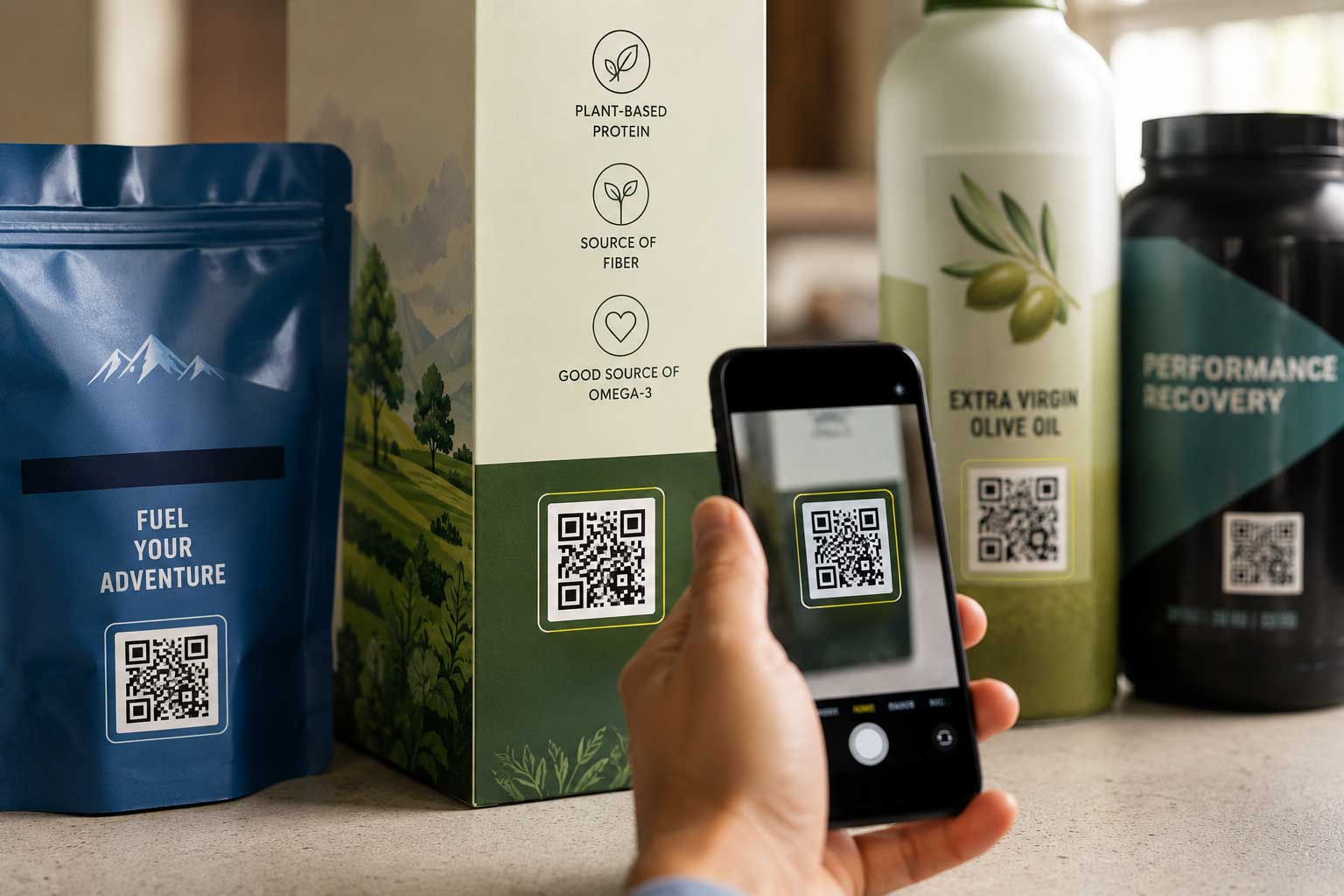
QR Code Packaging: Best Practices for CPG Brands

Key Takeaways
- QR code packaging connects physical products to digital content, including product details, recycling instructions, recipes, loyalty programs, authentication tools, sustainability information, and GS1 Digital Link product data.
- For CPG brands, a QR code should be treated as a scannable packaging element and consumer experience tool, not a last-minute design add-on.
- Most consumer-facing QR codes on packaging should be at least 20 mm or 0.8 inches square to support reliable scanning in real-world retail and consumer conditions.
- QR codes need a clear quiet zone, strong dark-on-light contrast, short URLs, and placement on flat, visible areas of the package.
- Brands should test QR codes on real printed packaging samples before production, especially for curved, glossy, flexible, metallic, textured, or shrink-wrapped packaging.
Why QR Code Packaging Matters for CPG Brands
QR codes have become a common part of product packaging because they help brands connect limited physical packaging space to a deeper digital experience. Whether printed on folding cartons, pressure sensitive labels, shrink sleeves, or flexible packaging, a QR code can send consumers to product information, recipes, recycling instructions, rewards programs, authentication tools, sustainability details, promotions, and more. But for QR code packaging to work, the code needs to scan reliably, print clearly, lead to the right mobile experience, and hold up under real-world packaging, retail, and consumer conditions.
What Is QR Code Packaging?
QR code packaging is product packaging that includes a scannable QR code to connect consumers, retailers, or supply chain partners to digital information.
A QR code on packaging can link to:
- Product details
- Recipes
- Recycling instructions
- Loyalty programs
- Authentification tools
- Promotions
- How-to instructions
- Sustainability information
- ingredient or sourcing details
- Warranty or registration pages
- GS1 Digital link protection data
For CPG brands, QR codes are increasingly part of broader smart and connected packaging strategies. They can improve consumer engagement, support retail readiness, extend limited packaging space, and help brands update digital content without changing printed artwork.
However, a QR code only works if it scans reliably, prints clearly, leads to the right destination, and fits the real-world conditions of the package.
The best QR code packaging is designed for scanning, printing, compliance, consumer experience, and long-term usability.
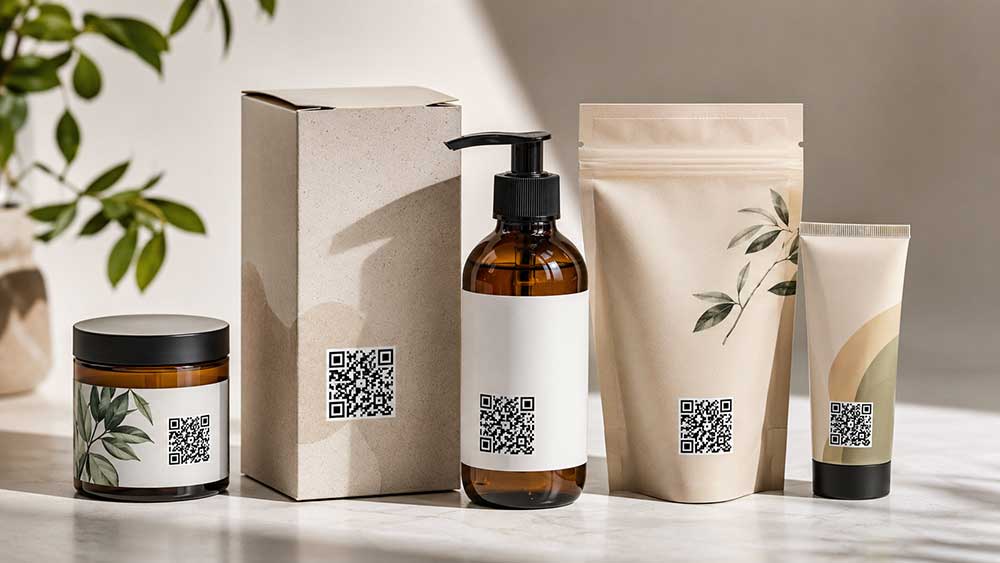
Why Are QR Codes Used on Product Packaging?
QR codes are used on product packaging to give shoppers, retailers, and supply chain partners access to more information than can fit on the printed package.
For CPG brands, QR codes can support:
- Consumer education
- Product transparency
- Ingredient and sourcing information
- Recycling and disposal instructions
- Rewards and loyalty programs
- Recipes and usage ideas
- Authentication and anti-counterfeit tools
- Warranty registration
- Promotions and campaign pages
- Sustainability claims and documentation
- Retail and supply chain data
QR codes are especially useful because packaging space is limited. Instead of adding more printed copy to a carton, label, sleeve, or flexible pouch, brands can use a QR code to connect consumers to a digital experience.
Consumer QR Codes vs. GS1 Digital Link QR Codes
Before adding a QR code to packaging, brands should decide what type of QR code they need.
For most CPG packaging, there are two broad use cases:
A consumer engagement QR code connects shoppers to marketing, education, or support content. This may include recipes, recycling instructions, product usage tips, brand stories, rewards programs, promotions, sustainability information, or authentication tools.
- Consumer engagement QR codes
- GS1 Digital Link QR codes
A GS1 Digital Link QR code is different. It is a standards-based way to connect product identification data, such as a Global Trade Item Number (GTIN), to a web experience. GS1 Digital Link can support structured product data while also sending consumers to digital content.
This matters because the retail industry is moving toward 2D barcodes at point of sale. GS1’s 2D barcode implementation guidance is written for brand owners, manufacturers, retailers, and solution providers and includes guidance around use cases, barcode selection, placement, printing, verification, and digital content management.
For CPG brands, the practical recommendation is simple: do not treat a QR code as only a marketing graphic. Involve packaging, regulatory, IT, e-commerce, quality, prepress, and customer-facing teams early so the code supports the full business use case.
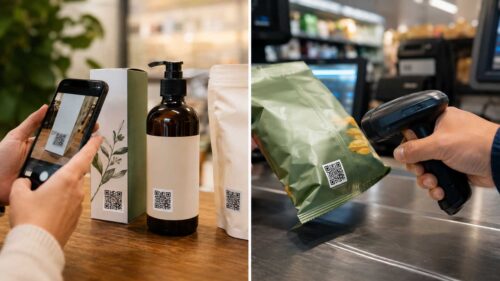
How Big Should a QR Code Be on Packaging?
For most CPG packaging, a QR code should be at least 20 mm or 0.8 inches square. Smaller QR codes may scan in ideal conditions, but real packaging introduces variables such as print gain, coatings, glare, curvature, texture, scuffing, moisture, shelf lighting, and phone-camera differences.
A QR code is made of small squares called modules. The final printed size depends on:
- The QR code version
- The amount of encoded data
- The module size
- The required quiet zone
- The printing process
- The packaging material
- The final package shape
DENSO WAVE explains that QR code versions range from Version 1 at 21 × 21 modules to Version 40 at 177 × 177 modules. As more data is encoded, the QR code becomes denser and typically needs more space to scan reliably.
A helpful way to think about QR code size is:
Finished QR size = module count plus quiet zone × module size
Because QR codes require a quiet zone around all four sides, brands should avoid designing only to the visible black-and-white square. The surrounding clear space is part of the scannable symbol.
As a practical starting point:
- Use 15 mm square only for clean, flat packaging with strong contrast, simple data, and high-quality print conditions.
- Use 20 mm or 0.8 inches square or larger for most consumer-facing CPG packaging.
- Use 25 mm or 1 inch square or larger for curved, glossy, flexible, metallic, textured, shrink-wrapped, or high-abuse packaging.
The more difficult the package surface, the more generous the QR code size should be.
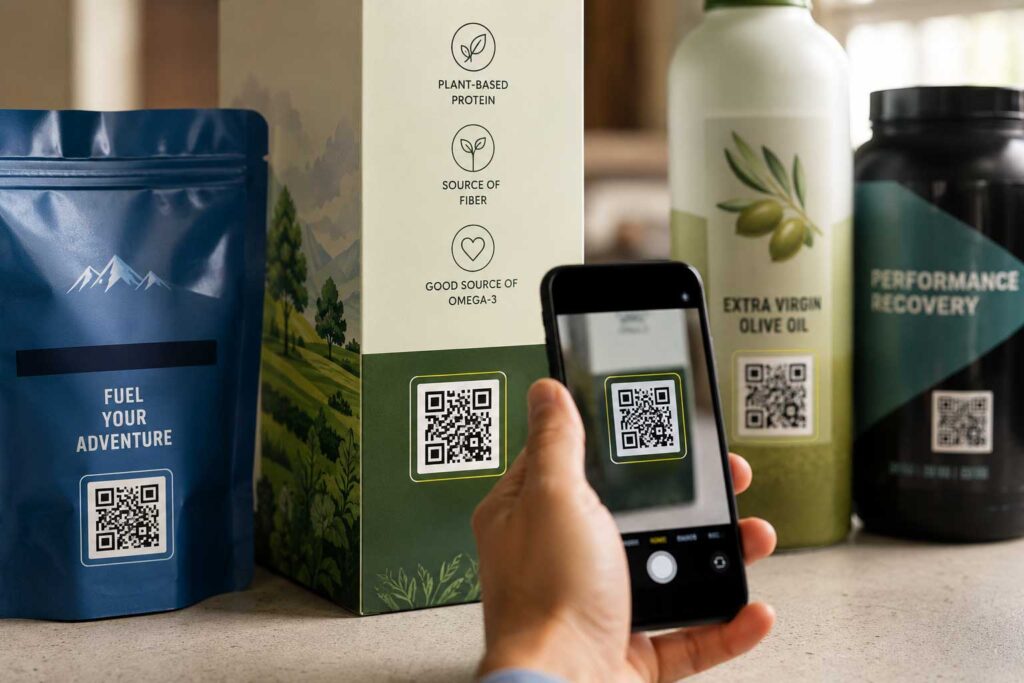
What Is the Quiet Zone on a QR Code?
The quiet zone is the clear space around all four sides of a QR code. It helps scanners identify where the code begins and ends.
The quiet zone is not an optional design space. It is part of the scannable symbol. If graphics, text, borders, textures, photos, varnish, foil, or dielines crowd the quiet zone, the QR code may not scan reliably.
DENSO WAVE states that QR codes require a four-module-wide margin on all sides.
Practical quiet zone rules:
- Keep copy, graphics, dielines, varnish effects, patterns, and borders out of the quiet zone.
- Do not place a QR code inside a tight badge unless the badge includes the quiet zone.
- Do not let a photo, gradient, foil pattern, or textured background crowd the code.
- When space allows, make the quiet zone visibly larger than the minimum requirement.
For packaging teams, quiet zone issues often happen when a QR code is squeezed into a small panel or placed too close to required copy, nutrition facts, icons, folds, or design elements.
Why Should QR Code URLs Be Short?
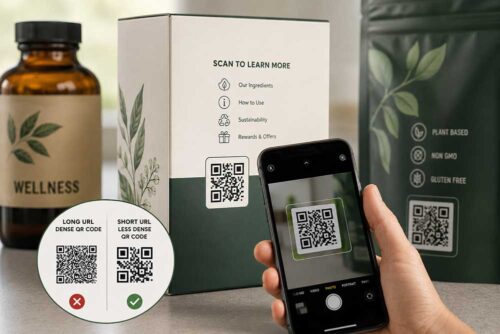
Short URLs create less dense QR codes. Less dense QR codes are usually easier to print, easier to scan, and more reliable on real packaging.
Best practices include:
- Use a short, stable URL or GS1 Digital Link.
- Avoid encoding long tracking URLs directly into the QR code.
- Use server-side redirects and analytics instead of placing campaign parameters inside the code.
- Do not encode large text, PDFs, images, or complicated URLs directly into the QR code.
- Make sure the URL can remain active for the life of the package.
This is especially important for CPG brands because packaging can stay in the market for months or years. A QR code should remain useful even if a campaign, promotion, or landing page changes.
A short, stable QR code gives brands more flexibility and reduces the risk of printing a code that is too dense, too fragile, or too difficult to manage later.
What Is the Best Color for a QR Code on Packaging?
The safest QR code treatment is a dark code on a light, solid background.
High contrast is one of the most important factors in QR code scanability. While custom QR codes can look more branded, overly designed QR codes can create scanning problems after printing, coating, handling, shipping, and merchandising.
Avoid:
- Light QR codes on dark backgrounds
- Low-contrast brand colors
- Busy photographic backgrounds
- Gradients inside the QR code
- Metallic inks or foil effects
- Holographic effects
- Heavy varnish over the code
- Overly rounded modules
- Logos placed over the code without testing
- Textured or patterned backgrounds behind the code
If a brand wants a designed QR code, keep the three large corner squares, also called finder patterns, clean and conventional. These patterns help scanners locate and orient the QR code.
A QR code can still look intentional and on-brand without compromising scannability.
What Error Correction Level Should Packaging QR Codes Use?
QR codes include error correction, which helps the code remain readable if part of it is damaged, distorted, or imperfectly printed.
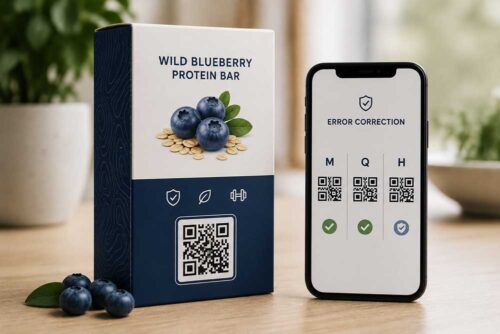
Most packaging QR codes should use M or Q error correction. H Error correction may be useful when extra robustness is needed, but it can also make the QR code denser.
Higher error correction may help when packaging is likely to be scuffed, exposed to moisture, handled frequently, or printed on more difficult materials. It can also help if a small logo is placed within the QR code.
However, higher error correction is not a replacement for proper size, contrast, quiet zone, placement, and print quality.
Practical guidance:
- Use M or Q error correction for most packaging applications.
- Use H error correction when extra robustness is needed.
- Consider H when using a small logo overlay or difficult print conditions.
- Do not use high error correction as an excuse to make the QR code smaller.
The QR code still needs to be large enough for the package, print method, substrate, and scan environment.
Where Should a QR Code Be Placed on Packaging?
A QR code should be placed on a flat, visible, easy-to-scan area of the package.
Good QR code placement is just as important as size. Consumers should be able to see and scan the code without fighting the package shape, shelf position, lighting, or surrounding design.
Best QR code locations include:
- Flat panels
- Areas that remain visible after merchandising
- Areas not interrupted by folds, seams, scores, or glue tabs
- Areas with enough space for the QR code and quiet zone
- Areas not hidden by trays, wraps, hang tabs, or tamper seals
Avoid:
- Bottom panels unless the product is commonly handled and turned over
- Highly curved shoulders or bottle necks
- Crimped areas on flexible packaging
- Carton scores, embossing, debossing, or heavy texture
- Areas crowded by nutrition facts, regulatory copy, or required labeling
- Areas that may be covered by multipack wrap or shelf-ready packaging
For bottles, tubes, shrink sleeves, and flexible pouches, test the actual formed package, not just the flat artwork. A QR code that looks perfect on a dieline may distort after the package is filled, wrapped, curved, sealed, or placed on shelf.
What Call to Action Should You Use With a QR Code?
A QR code should have a clear call to action that tells consumers what they will get when they scan.
A vague call to action (CTA) like “Scan me” may work for some promotional packaging, but most CPG brands should be more specific.
Better QR code calls to action include:
- Scan for recycling instructions
- Scan for recipes
- Scan for product details
- Scan for authenticity
- Scan for rewards
- Scan for usage instructions
- Scan to learn where this product was made
- Scan for sustainability information
The CTA should match the destination page. If the QR code leads to recycling instructions, say that. If it leads to rewards, say that. If it leads to product authentication, make that clear.
For regulated categories, brands should also make sure the CTA and destination page do not create unsupported claims. Packaging, regulatory, and legal teams should review the message when the QR code is connected to health, sustainability, safety, origin, or performance claims.
What Should a QR Code Landing Page Include?
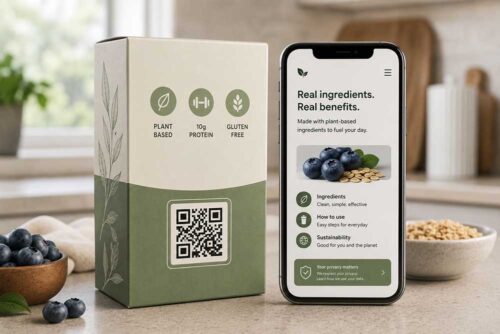
A QR code landing page should be mobile-first, fast-loading, accessible, secure, and durable.
The scan is only the first step. The experience after the scan matters just as much.
Best practices include:
- Use a mobile-first landing page.
- Make sure the page loads quickly.
- Use HTTPS.
- Avoid requiring an app download.
- Avoid dead campaign pages.
- Redirect expired promotions to evergreen content.
- Make the page accessible.
- Include privacy language if tracking, personalization, location, or loyalty capture is involved.
- Assign an internal owner to keep the destination page live and accurate.
The biggest hidden risk is not always a bad scan. It is a QR code printed on thousands or millions of packages that points to a broken, expired, slow, or legally risky page.
For this reason, brands should think of QR code packaging as both a print decision and a digital content management responsibility.
How Should Brands Test QR Codes Before Printing Packaging?
Brands should test QR codes on real printed samples, not just PDF proofs.
A QR code that scans from a PDF may not scan after printing, coating, die-cutting, forming, filling, shipping, or merchandising.
Before approving a QR code for production, brands should test real printed samples in real-world conditions.
Testing checklist:
- Scan the printed proof with multiple iPhone and Android devices.
- Scan under bright light, low light, and glare.
- Scan from a normal consumer distance.
- Scan after coating, varnish, or lamination.
- Scan on the formed package.
- Scan on curved or flexible surfaces after filling.
- Scan after abrasion or handling if the product may experience rough use.
- Scan in the actual orientation consumers will encounter on shelf.
For retail or point-of-sale applications, phone scanning is not enough. GS1’s 2D barcode guidance includes barcode print quality and verification as part of implementation planning for retail POS use cases.
Testing should happen before the package goes into full production, not after a scan issue is discovered in the market.
QR Code Printability Tips for Folding Cartons and Labels
For folding cartons, pressure-sensitive labels, shrink sleeves, and flexible packaging, QR code printability depends on resolution, dot gain, substrate, contrast, coating, registration, and the final package shape.
Practical prepress rules include:
- Use vector artwork whenever possible.
- Do not rasterize the QR code at low resolution.
- If raster artwork is unavoidable, use high resolution and preserve hard edges.
- Keep the QR code one color when possible.
- Use black or a very dark color on a light background.
- Avoid rich-black builds that may create registration issues on small modules.
- Confirm minimum module size with the printer.
- Review the code based on print process, substrate, press, screening, and coating.
- Test carefully on uncoated paperboard, textured stock, metallic stock, clear labels, shrink sleeves, and flexible films.
- The printer should be involved early, especially when the QR code will be printed on challenging materials or placed in a tight space.
QR Code Packaging Checklist for CPG Brands
Before adding a QR code to product packaging, ask:
- What is the purpose of the QR code?
- Is this a consumer QR code, a GS1 Digital Link QR code, or both?
- Does the QR code need to support retail point-of-sale scanning?
- Is the encoded URL short, stable, and easy to manage?
- Is the QR code large enough for the package type?
- Is there a proper quiet zone around all four sides?
- Is the code dark on a light, solid background?
- Is the QR code placed on a flat, visible, scannable area?
- Will the code remain visible after merchandising?
- Does the CTA clearly explain why someone should scan?
- Is the destination page mobile-friendly, fast, accessible, and durable?
- Has the code been tested on real printed samples?
- Has the code been tested after coating, forming, filling, or handling?
- Has the printer confirmed the code is production-ready?
- For retail use, has the barcode been verified?
Simple QR Code Size Rule for Product Packaging
For most CPG packaging, brands can use this simple internal rule:
Minimum technical target:
15 mm square only for clean, flat, high-quality print with a simple QR code and strong contrast.
Recommended production target:
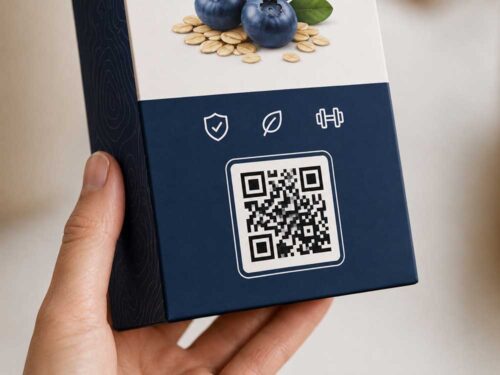
20 mm or 0.8 inches square or larger for normal consumer-facing packaging.
Difficult packaging target:
25 mm or 1 inch square or larger for curved, glossy, flexible, metallic, textured, shrink-wrapped, or high-abuse packaging.
Always include:
- A four-module quiet zone
- Dark-on-light contrast
- A short URL
- Flat, visible placement
- A clear call to action
- A mobile-first destination page
- Real printed sample testing
Bottom Line
- QR code packaging can help CPG brands connect physical products to digital experiences, but it has to be planned carefully.
- A successful QR code is not just a graphic. It is a scannable technical mark, a packaging design element, and a gateway to consumer, retail, or supply chain information.
- Brands should keep the encoded data short, preserve the quiet zone, use strong contrast, avoid design gimmicks, place the code on a flat visible panel, and size it generously enough for real-world scanning conditions.
- The most reliable QR code packaging is built with both print production and consumer experience in mind. When packaging, design, regulatory, IT, e-commerce, quality, and prepress teams are aligned early, brands can create QR codes that look good, scan reliably, and continue working long after the package reaches the shelf.
Related Blogs:
- Smart Packaging ROI: Real Benefits, Hidden Costs, and How to Capture Maximum Value
- How to Choose the Right RFID Supplier for Your Brand
- Sunrise 2027: What CPG Brands Need To Do Now To Prepare for the Shift to 2D Barcodes
- How Does Packaging Drive Brands’ Omnichannel Retail Strategy?
FAQs About QR Code Packaging
QR code packaging is product packaging that includes a scannable QR code to connect users to digital information, such as product details, recycling instructions, recipes, promotions, loyalty programs, authentication tools, or GS1 Digital Link product data.
A QR code may be technically possible around 15 mm square in ideal print conditions, but most CPG packaging should use 20 mm or 0.8 inches square or larger. Difficult packaging materials, such as curved, glossy, flexible, metallic, or textured surfaces, may need 25 mm or 1 inch square or larger.
The best placement for a QR code is a flat, visible, easy-to-scan panel that is not interrupted by folds, seams, glue tabs, scores, embossing, crimped areas, or shelf-ready packaging. The code should remain visible after merchandising.
Yes. QR codes need a clear quiet zone around all four sides. DENSO WAVE states that QR codes require a four-module-wide margin on each side of the symbol.
A QR code can sometimes be printed in brand colors, but contrast matters. The safest option is a dark QR code on a light, solid background. Low-contrast colors, gradients, foil, metallic effects, and busy backgrounds can reduce scan reliability.
A standard consumer QR code usually links to a digital experience, such as a recipe, promotion, or product page. A GS1 Digital Link QR code can connect structured product identification data, such as a GTIN, to a web experience. GS1 Digital Link is part of the retail industry’s migration toward multipurpose 2D barcodes.
Yes. QR codes should be tested on real printed packaging samples, not just PDF proofs. Brands should test multiple phones, lighting conditions, coatings, formed packages, curved surfaces, and any conditions the package may experience during shipping, handling, and merchandising.